Skip to content

In the venue

Conference signage at real events

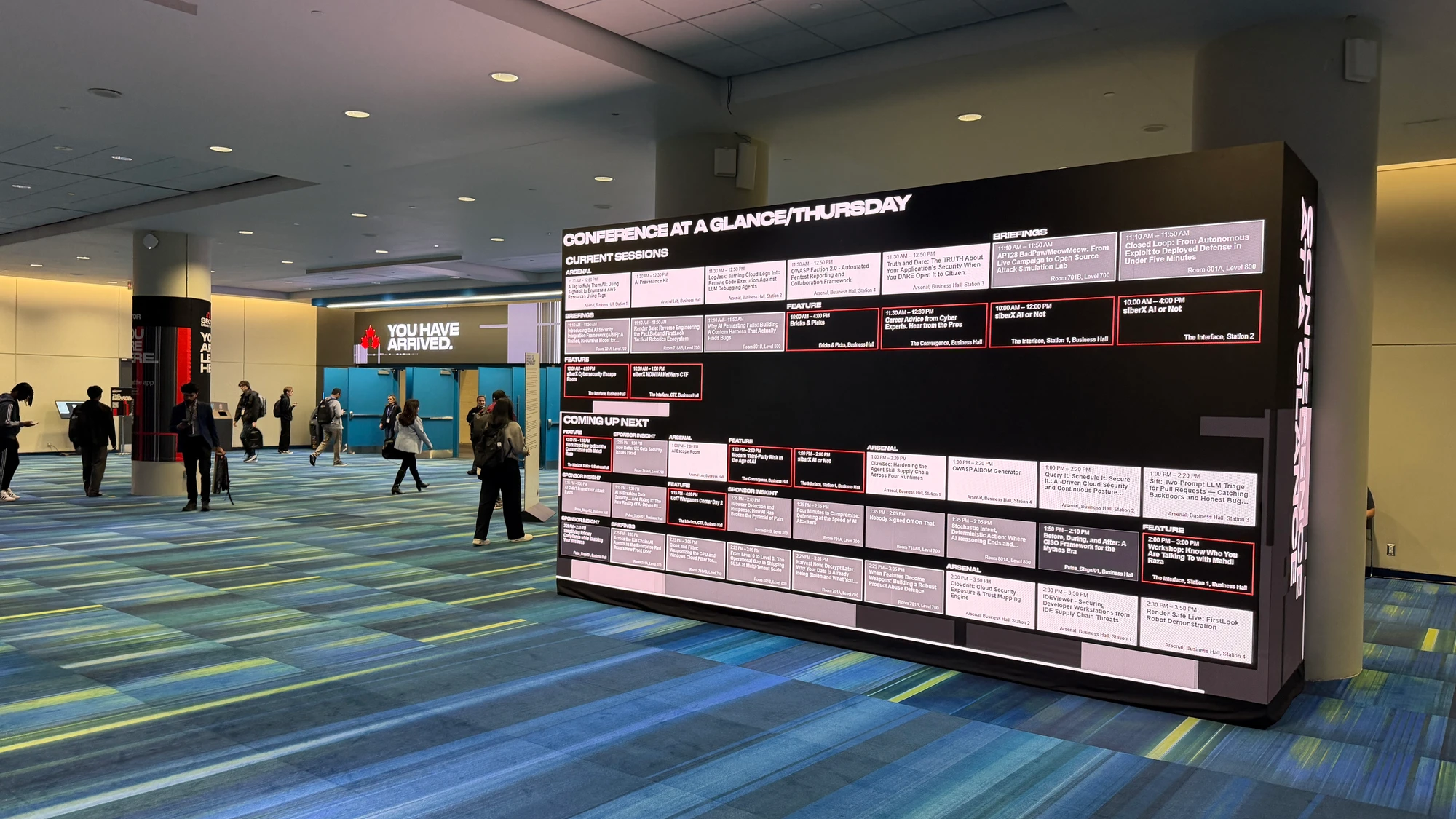
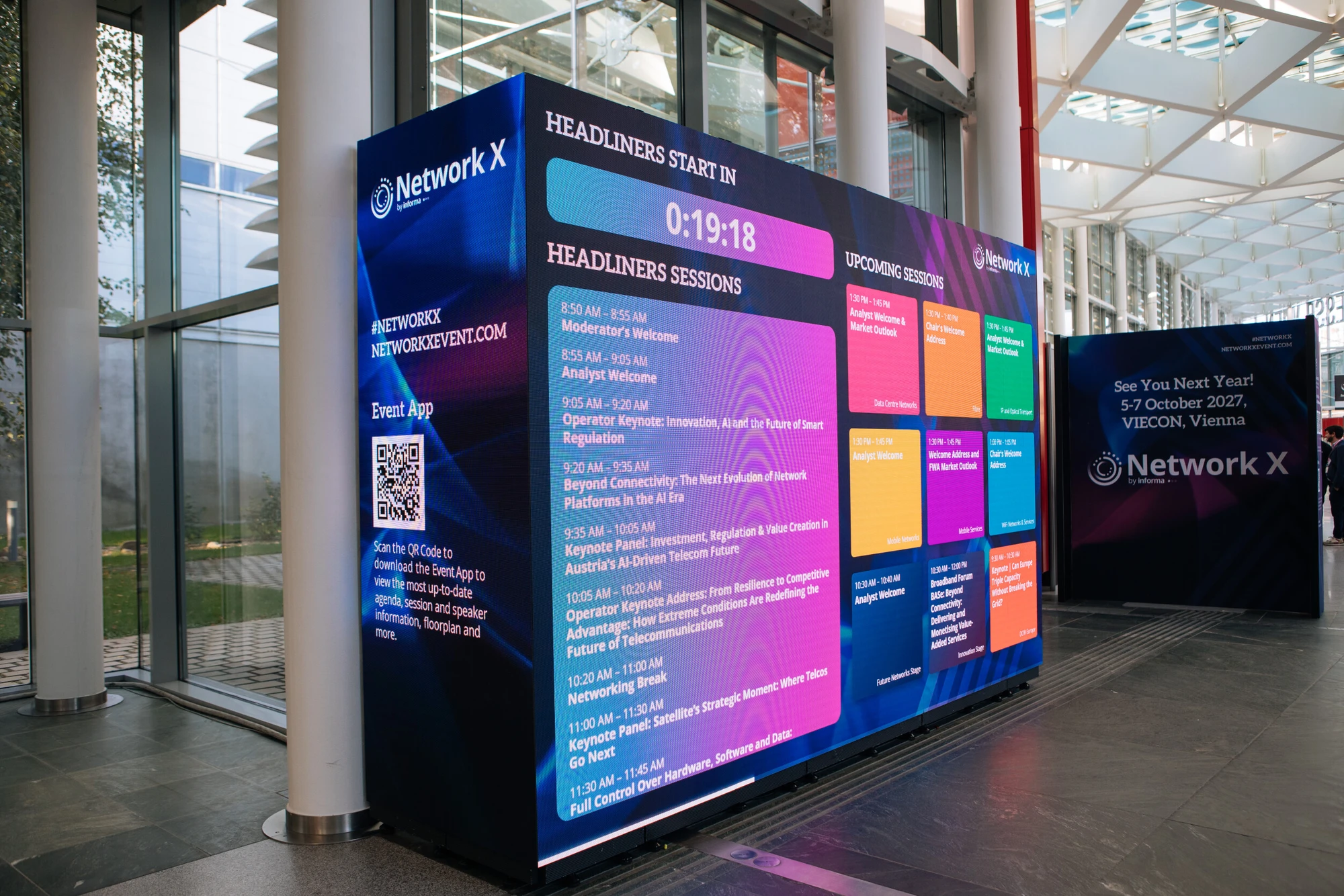
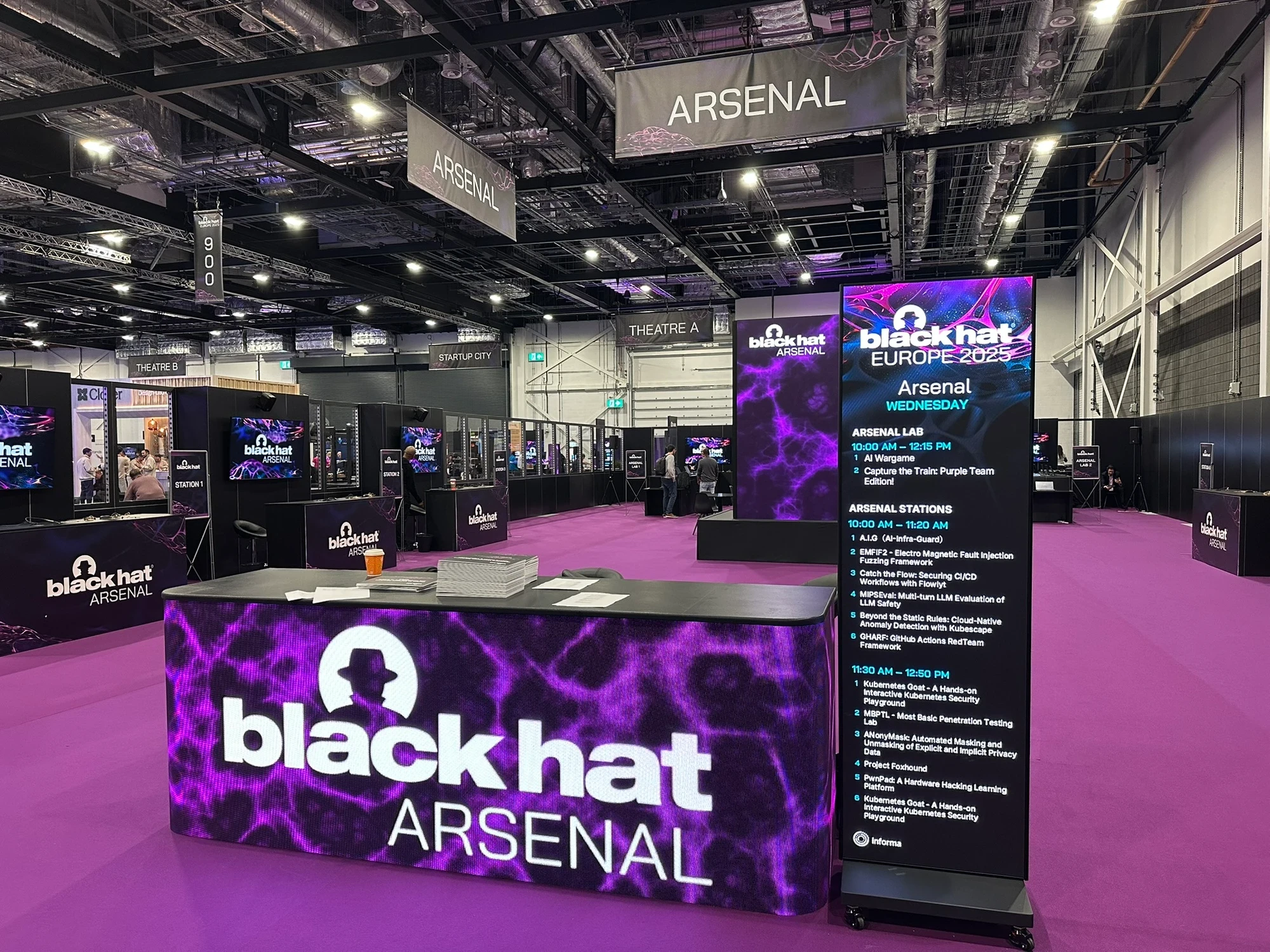
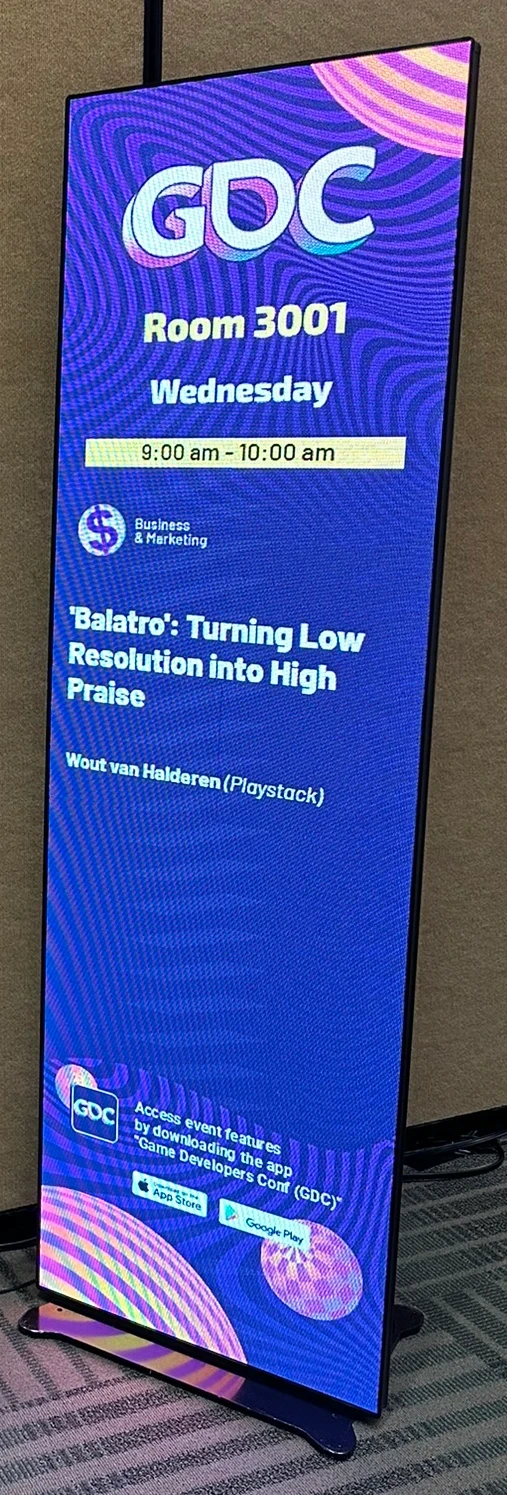
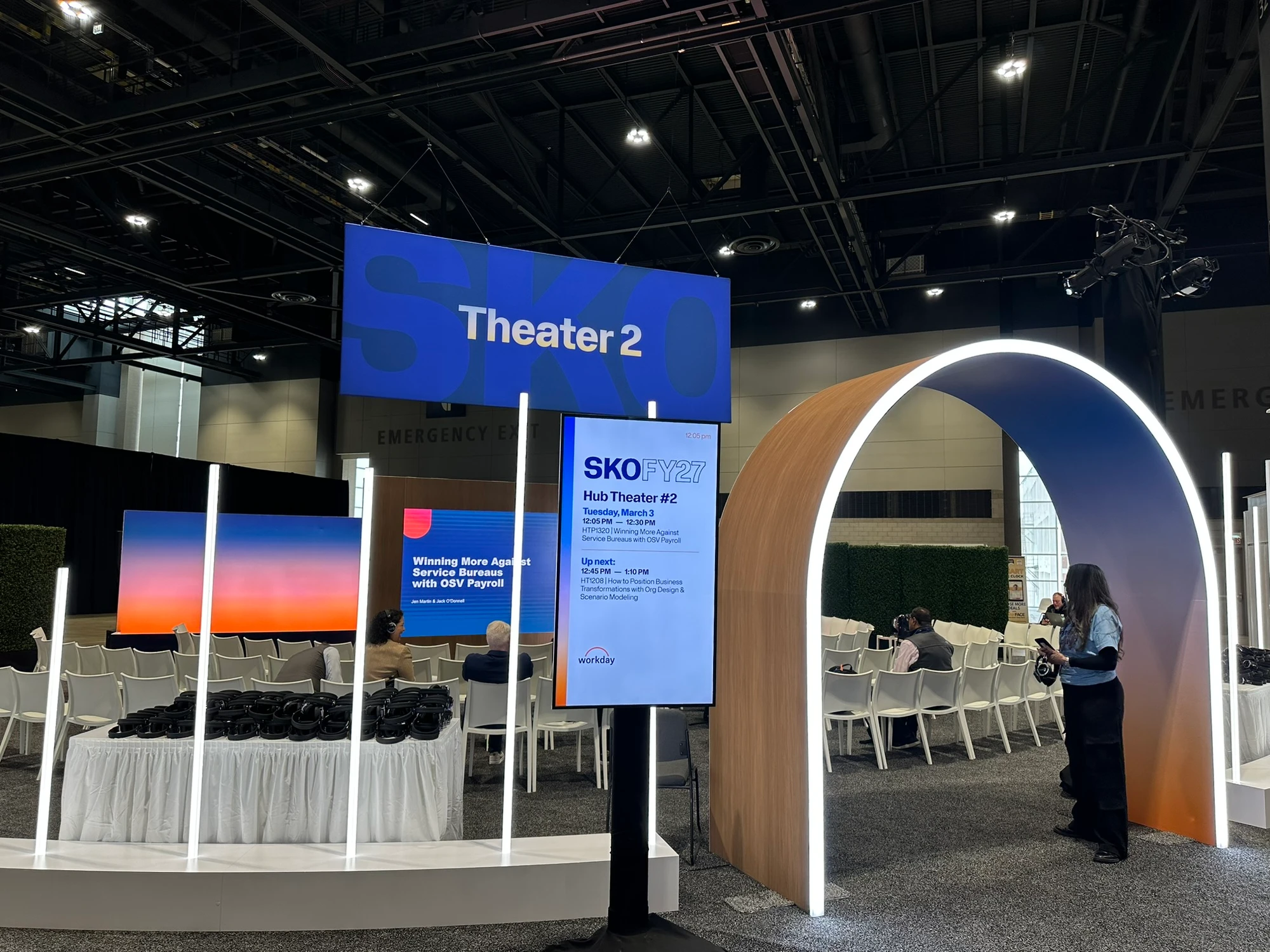
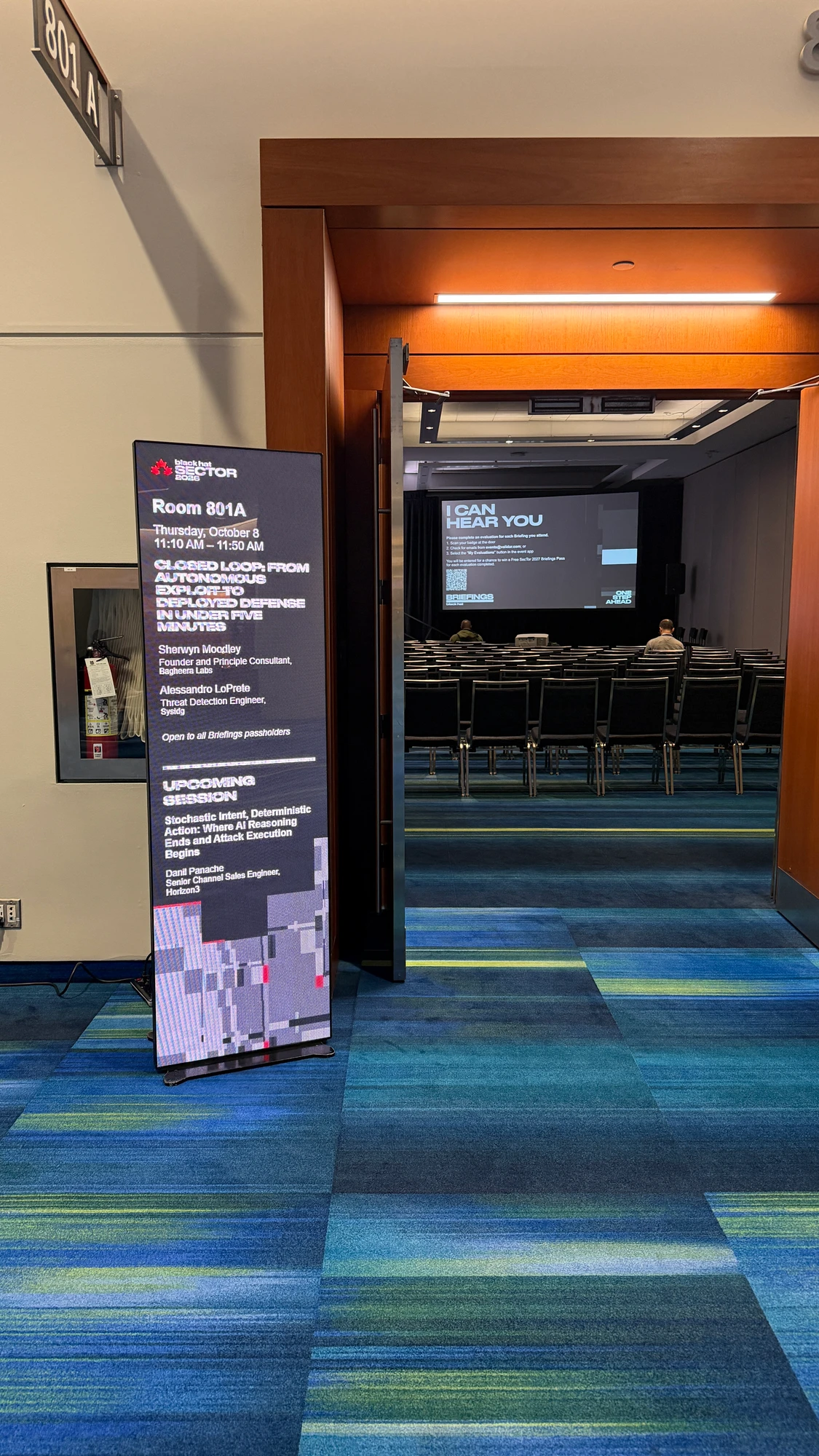
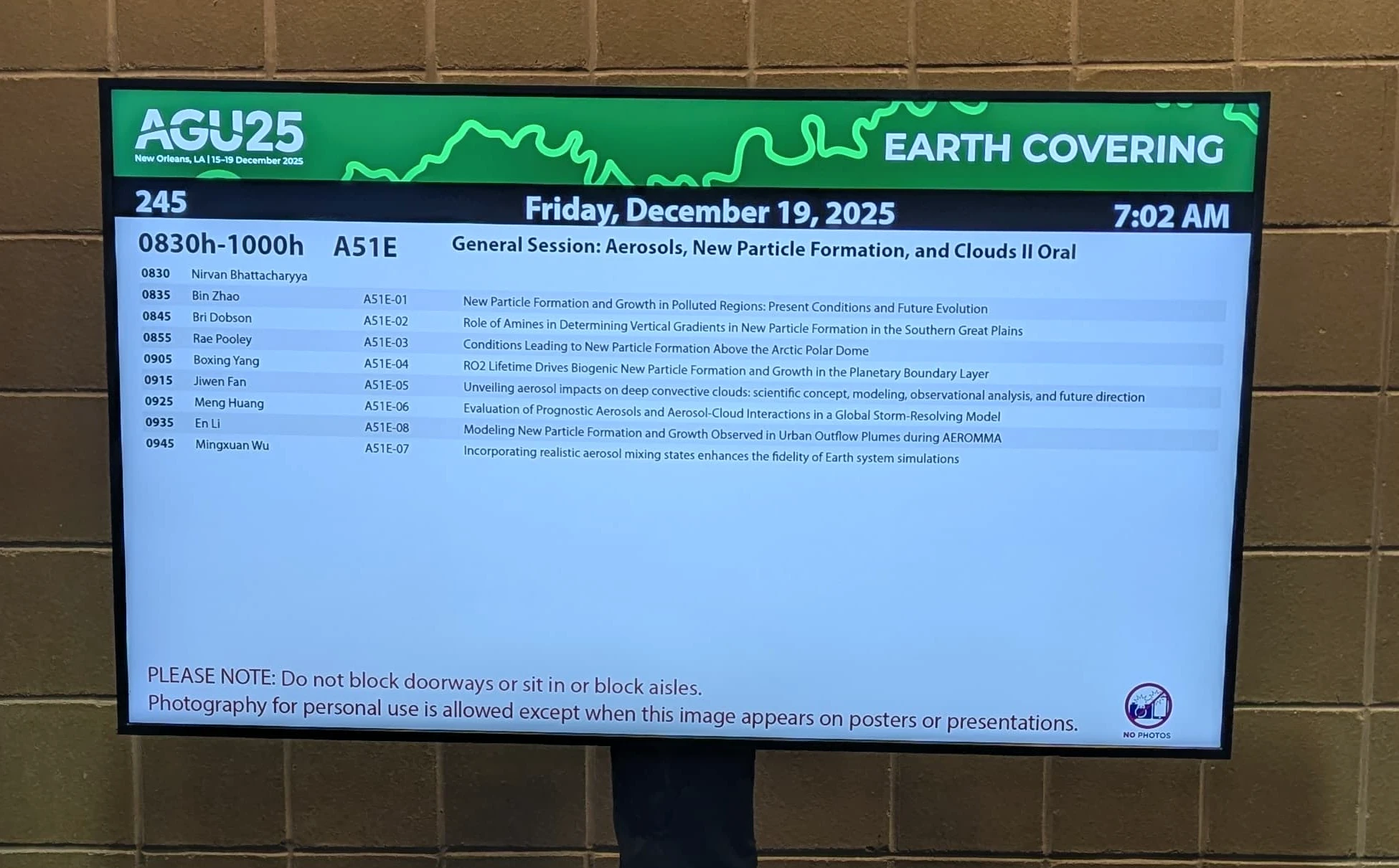
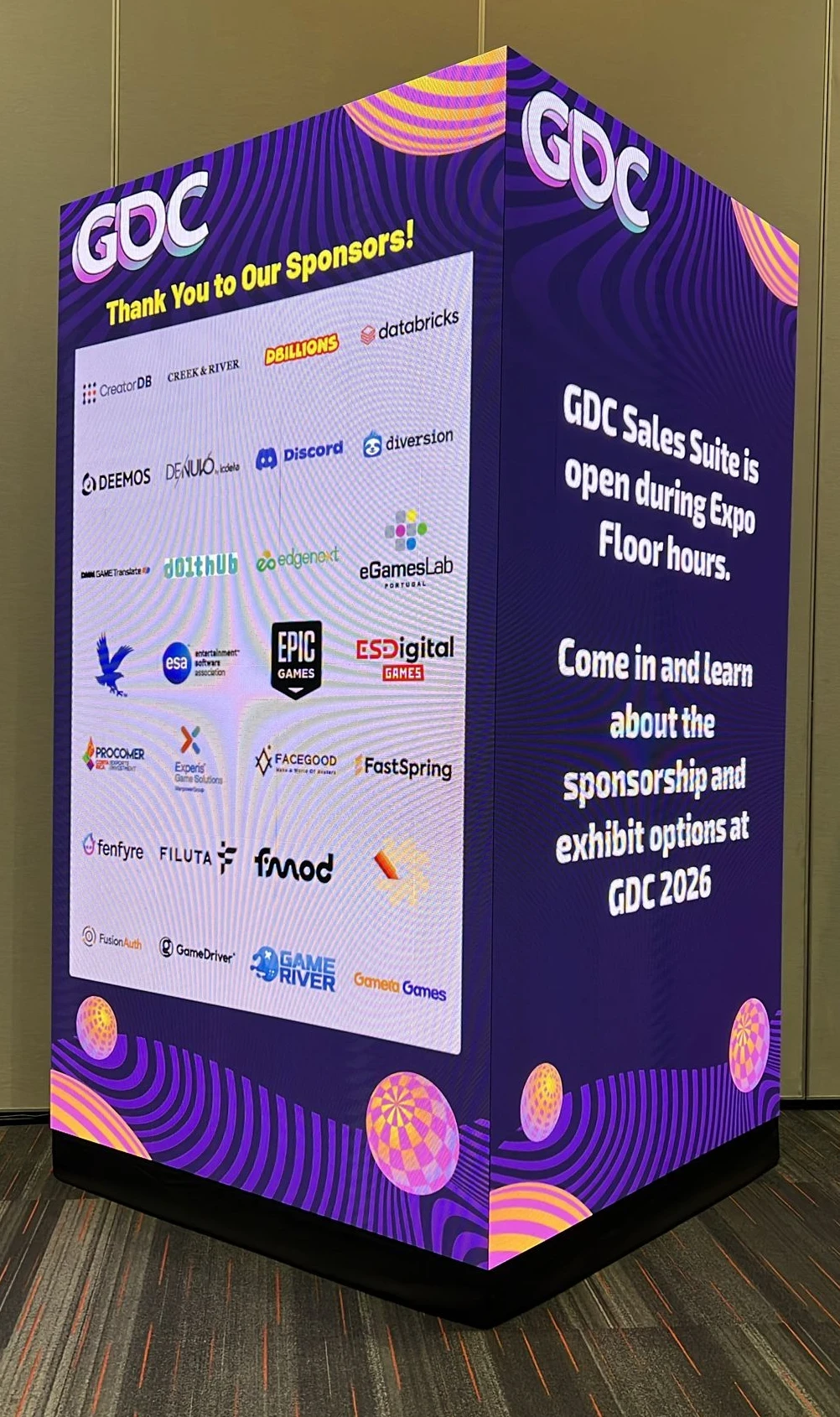
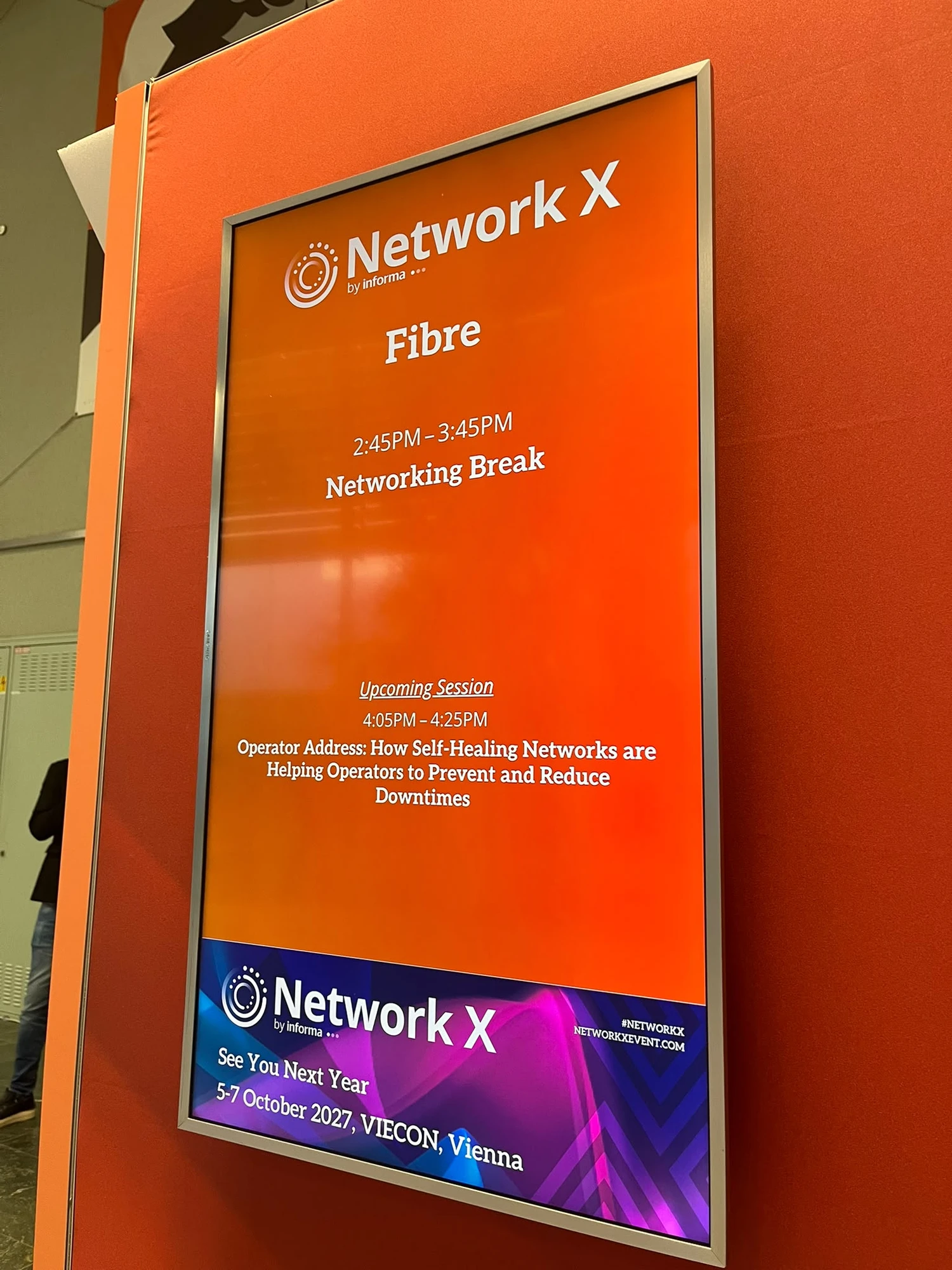
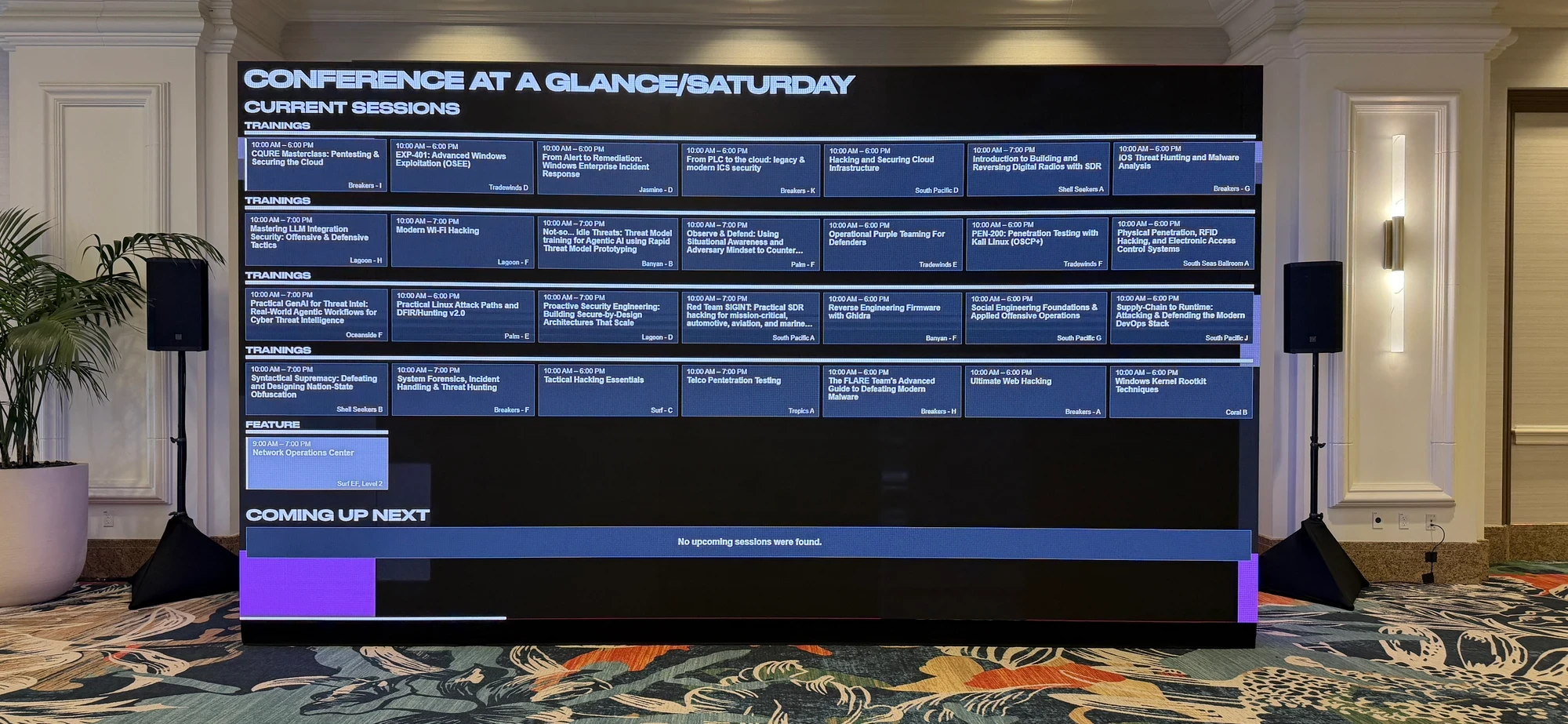
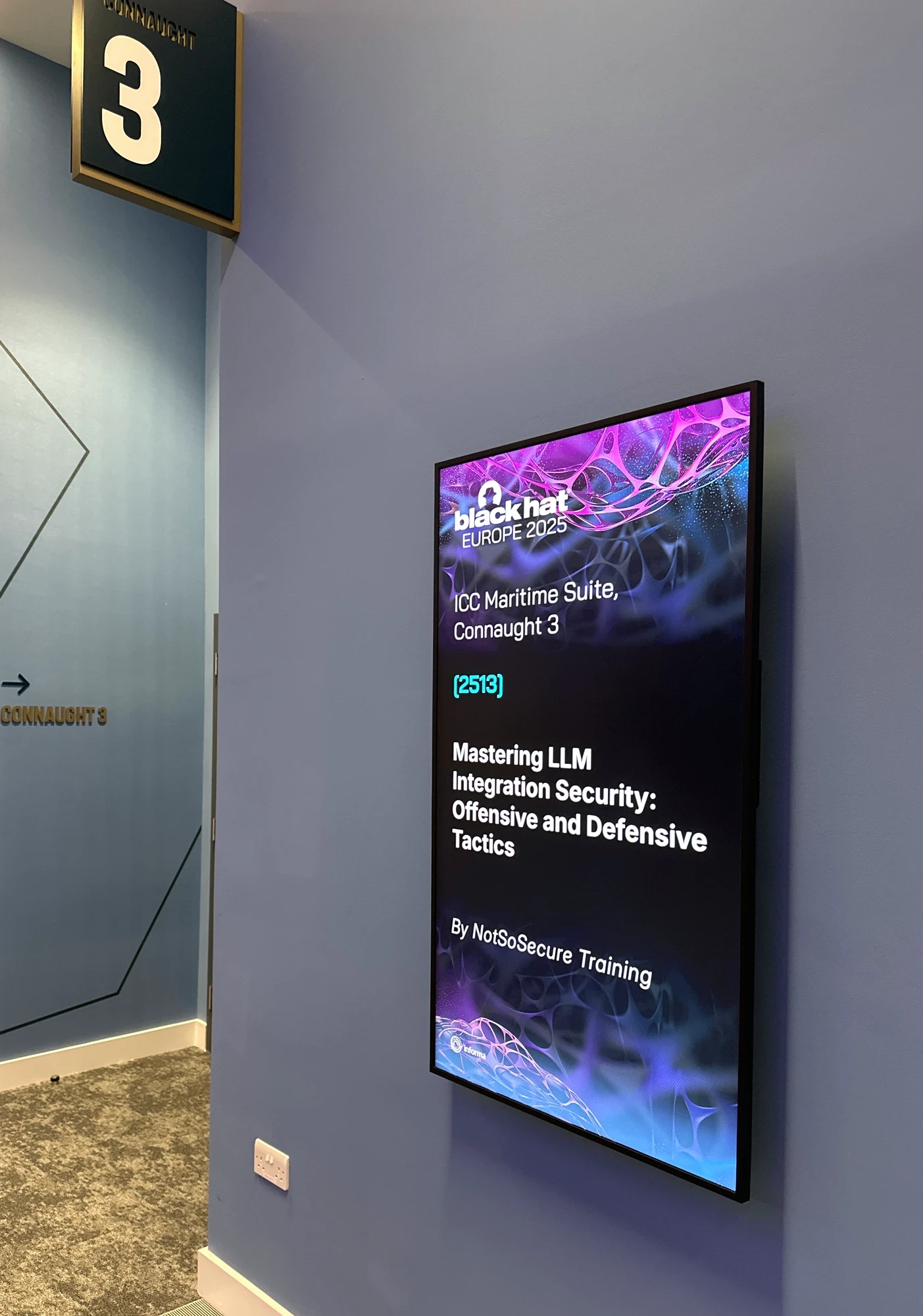
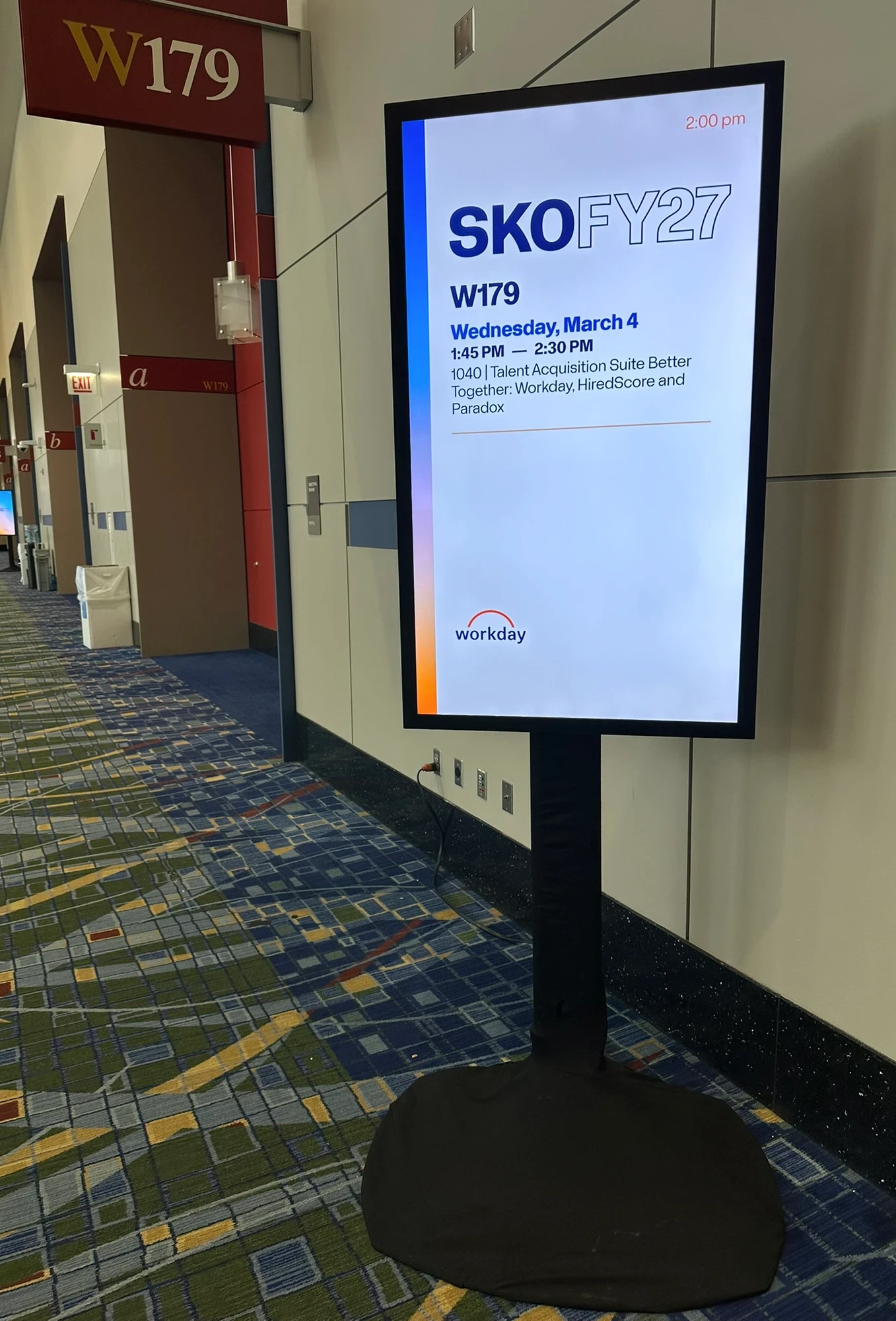
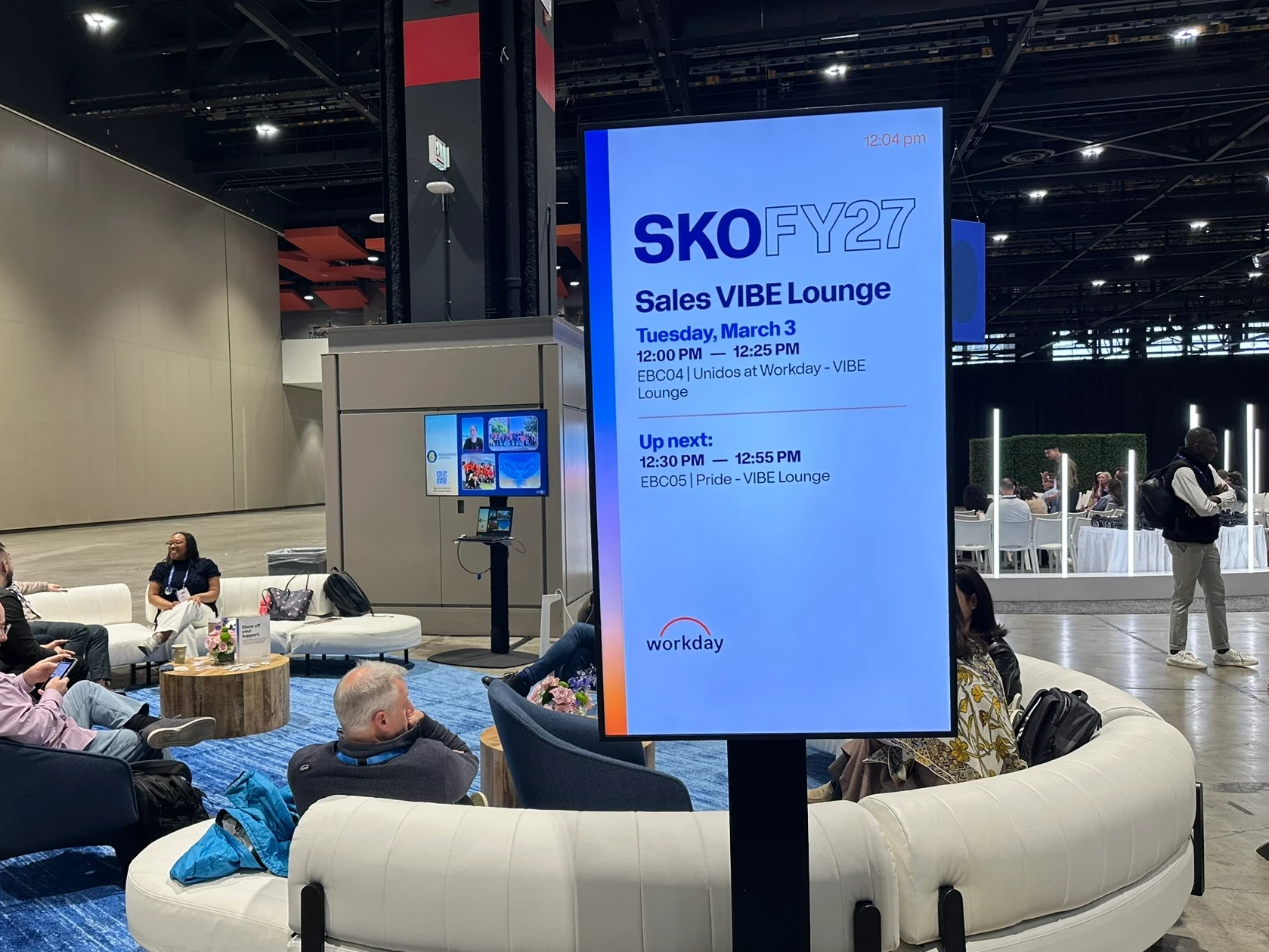
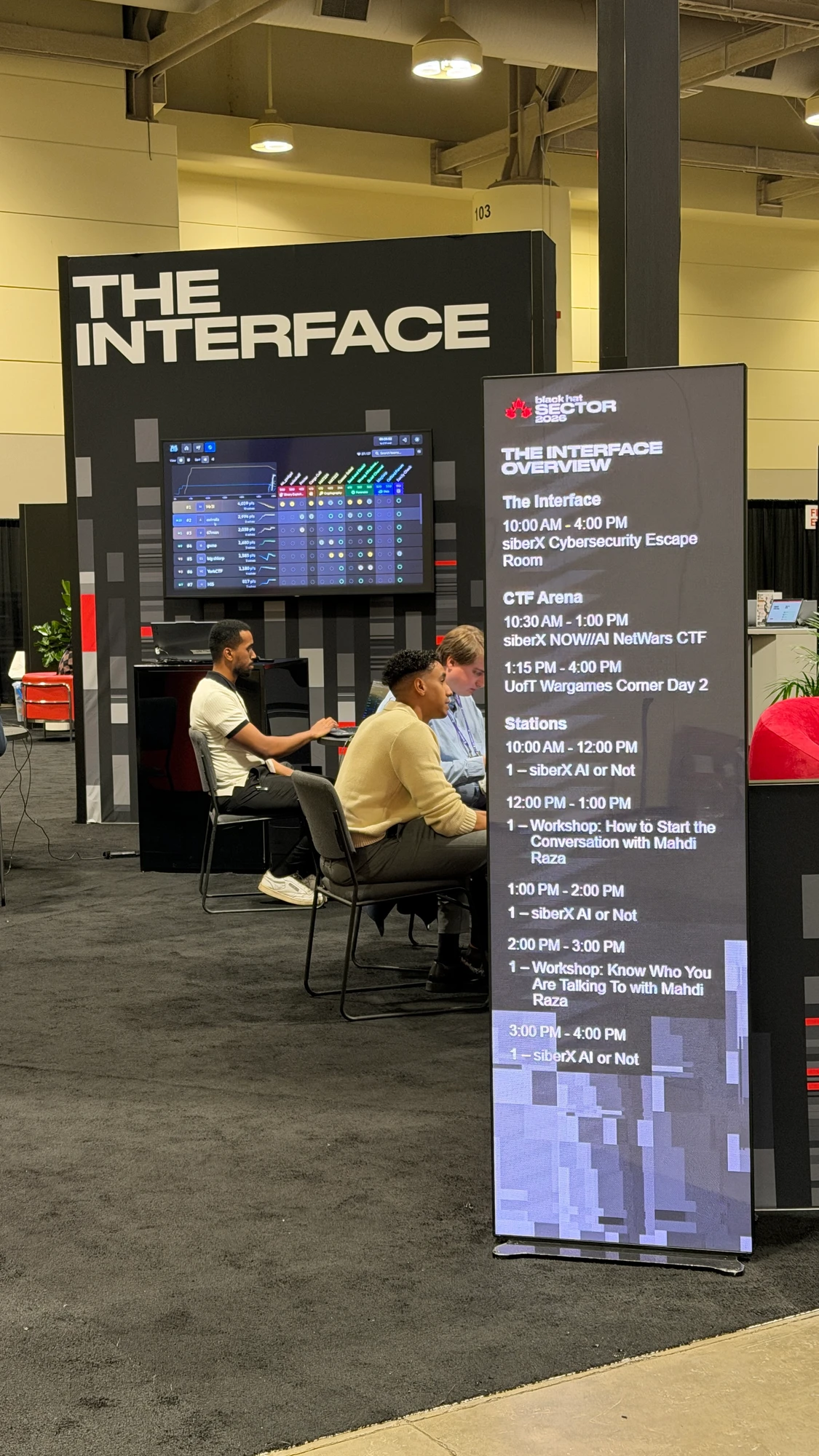
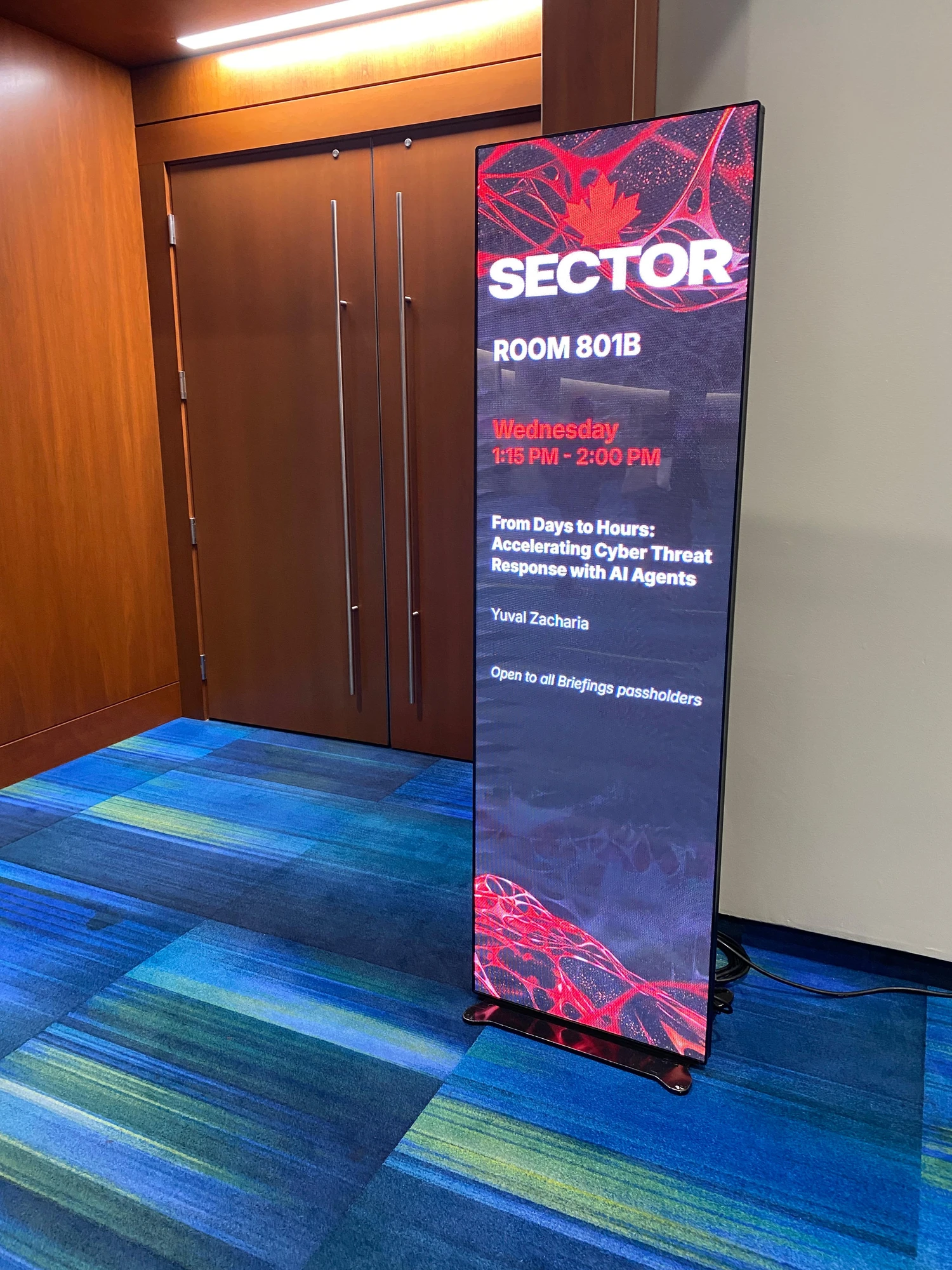
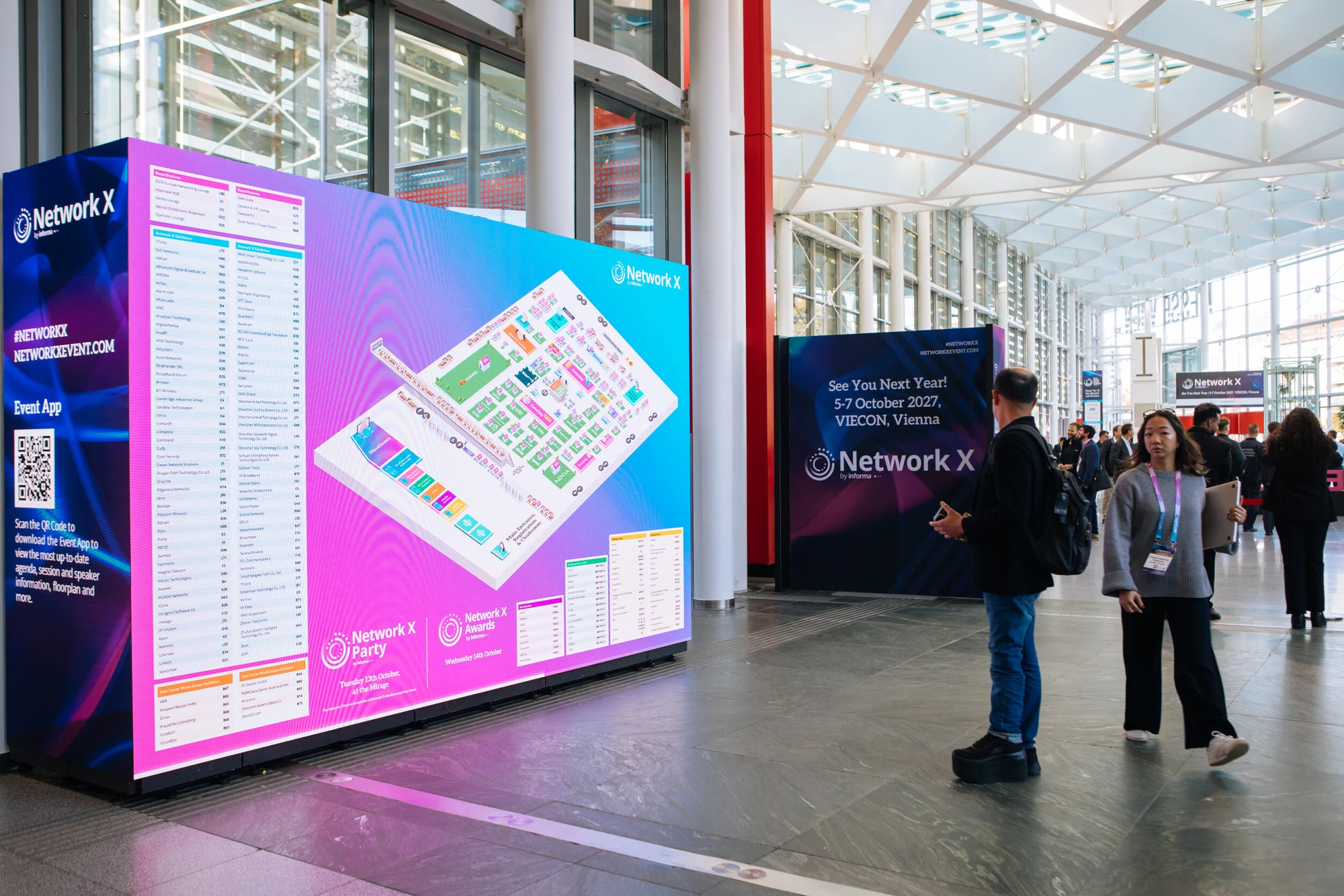
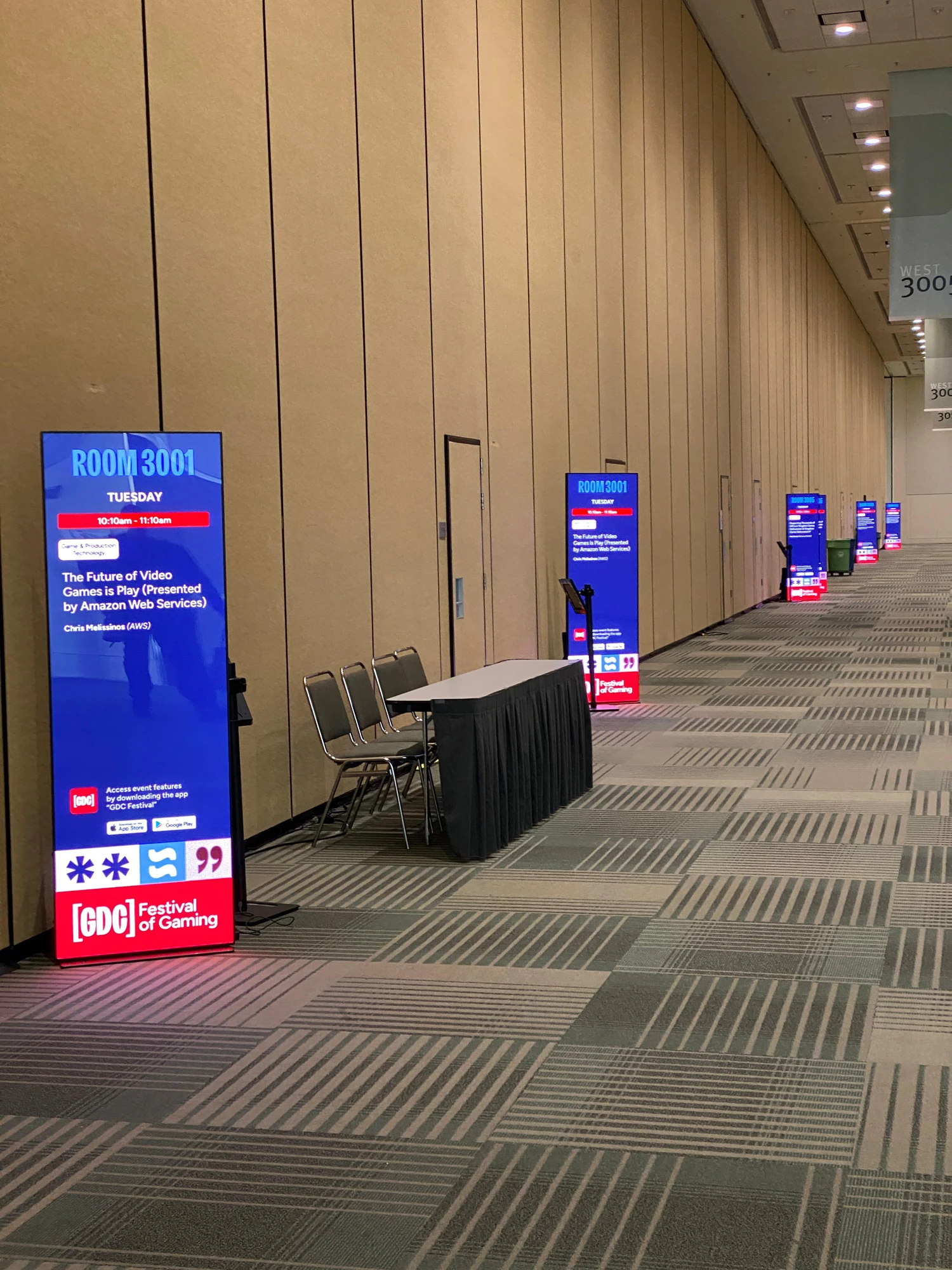
Room signs, conference-at-a-glance LED walls, LED posters and two-sided installations: see Onlit in the places your crew works, from meeting-room corridors to the expo floor.

In practice · SecTor 2026

One display, more than the schedule

SecTor 2026 · From upcoming-event promotions to current and upcoming sessions. · 16 seconds · Silent video

Video description

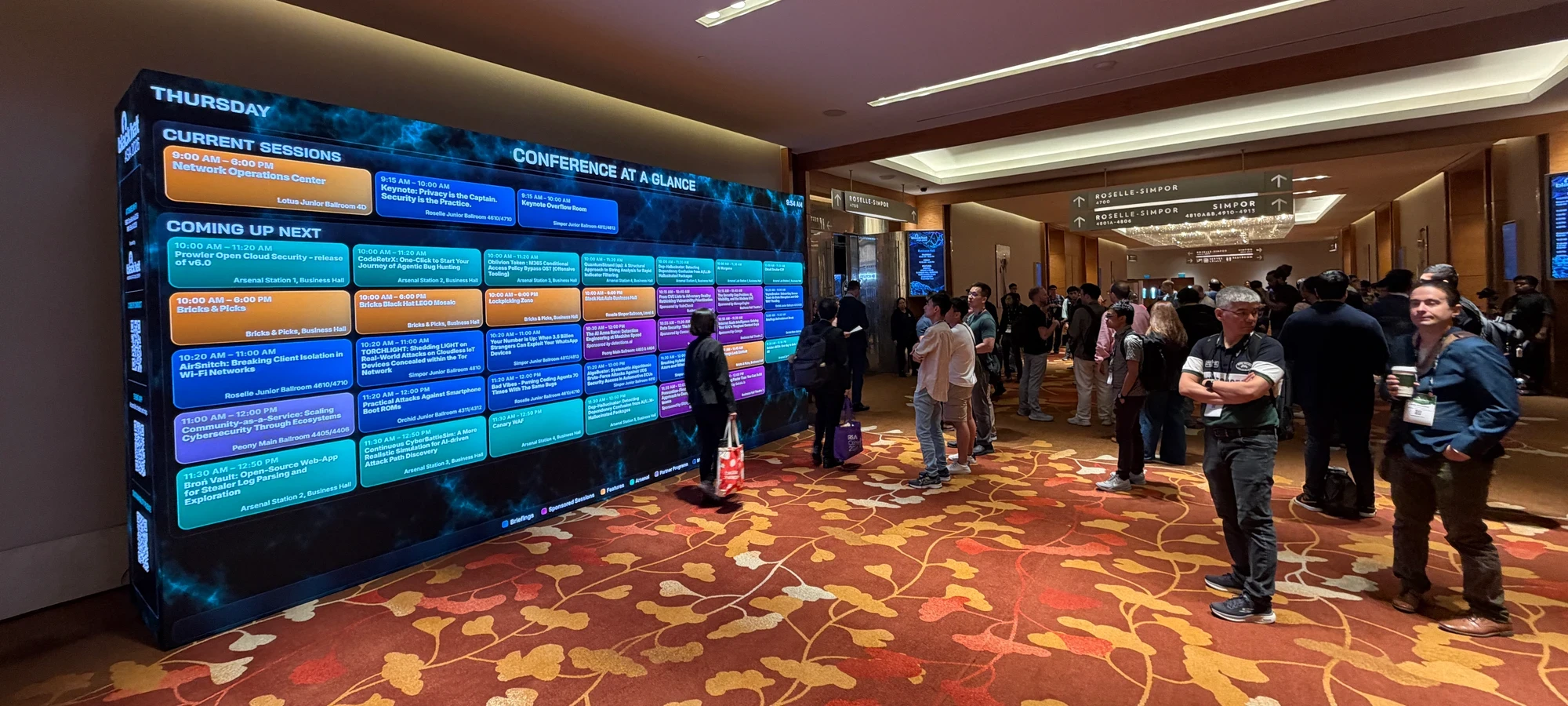
In the SecTor foyer, a large LED wall first displays promotions for upcoming events. It switches to a schedule with current sessions on the left and upcoming sessions on the right. The upcoming-session grid advances through additional pages while the current sessions remain visible. Attendees stand nearby and walk past. The clip has no audio.

At SecTor 2026, the conference-at-a-glance wall had two jobs: promote upcoming events and help attendees find their next session. Watch it switch from event promotions to the conference schedule.

Current sessions stay in view while the upcoming-session grid advances through more pages, making room for a busy program across multiple rooms.

Explore rotating content →

In practice · Black Hat USA 2026

One LED wall, program and keynote

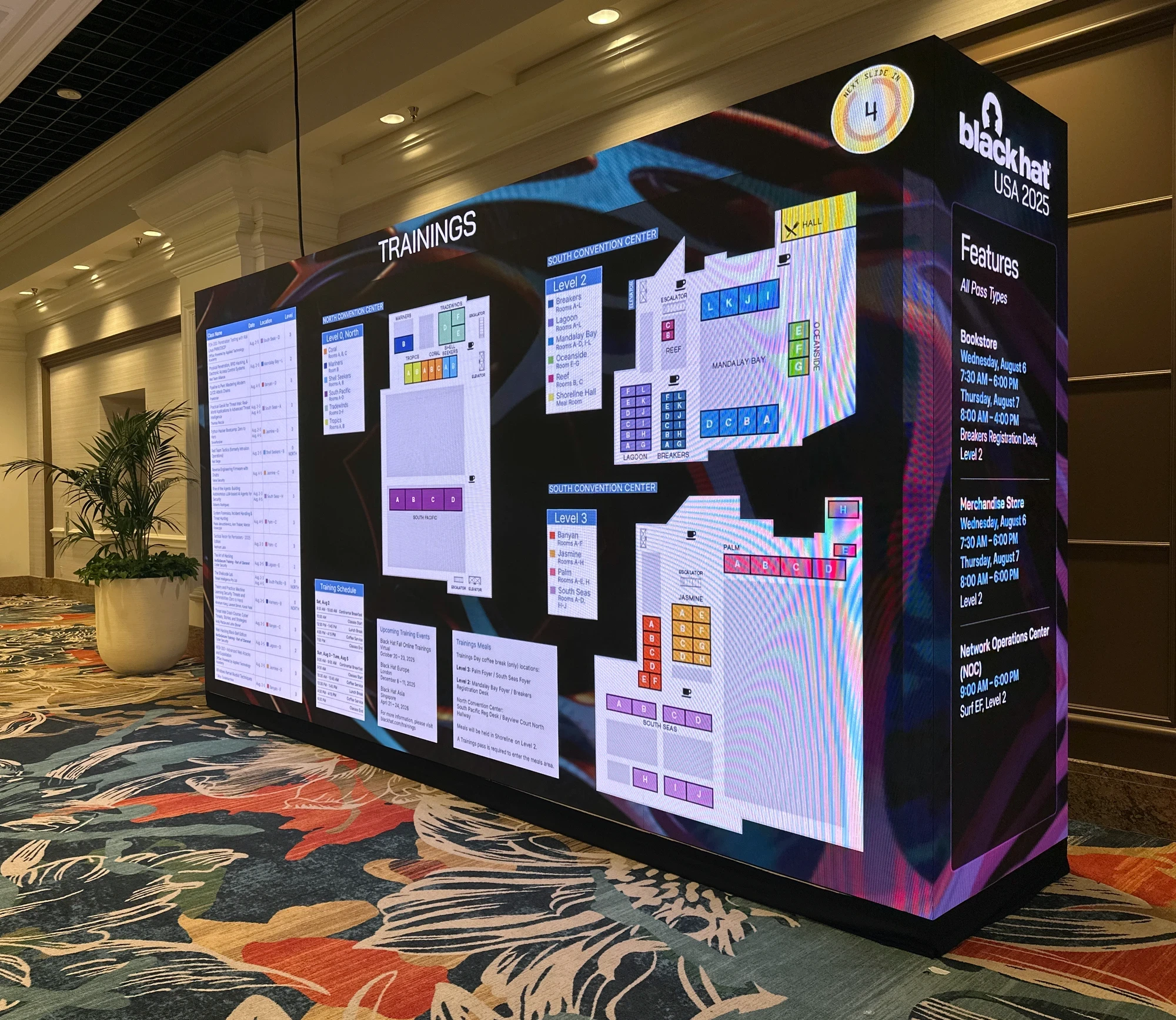
Schedules, maps, promotions and a live keynote on one LED wall.

Black Hat USA 2026 · From program to live keynote · 38 seconds · Silent video

Video description

A freestanding LED wall shows room schedules, floor plans and event promotions. A title card introduces a separate recording of the keynote livestream, followed by attendees in the hallway. These edited excerpts do not show the scheduled takeover itself or the return after the keynote. There is no audio.

At Black Hat USA 2026, a conference-at-a-glance LED wall did more than show the program. A custom template gave the keynote its own scheduled window on the same display.

AV production: ETS AV

  1. 1. Rotate through the program and more

    Combine conference schedules, floor plans and event promotions in a rotating sequence.

  2. 2. Make room for the keynote

    At the planned time, switch the display to a live keynote feed.

  3. 3. Resume the regular rotation

    When the keynote window ends, return to schedules, maps and event information.

What custom templates can do →

Take the keynote beyond the main room

Attendees gathered in the foyer to watch the keynote on the wall that had carried the program all day.

The same setup also works as an overflow area when a popular session fills the main room, giving attendees another place to follow the live presentation.
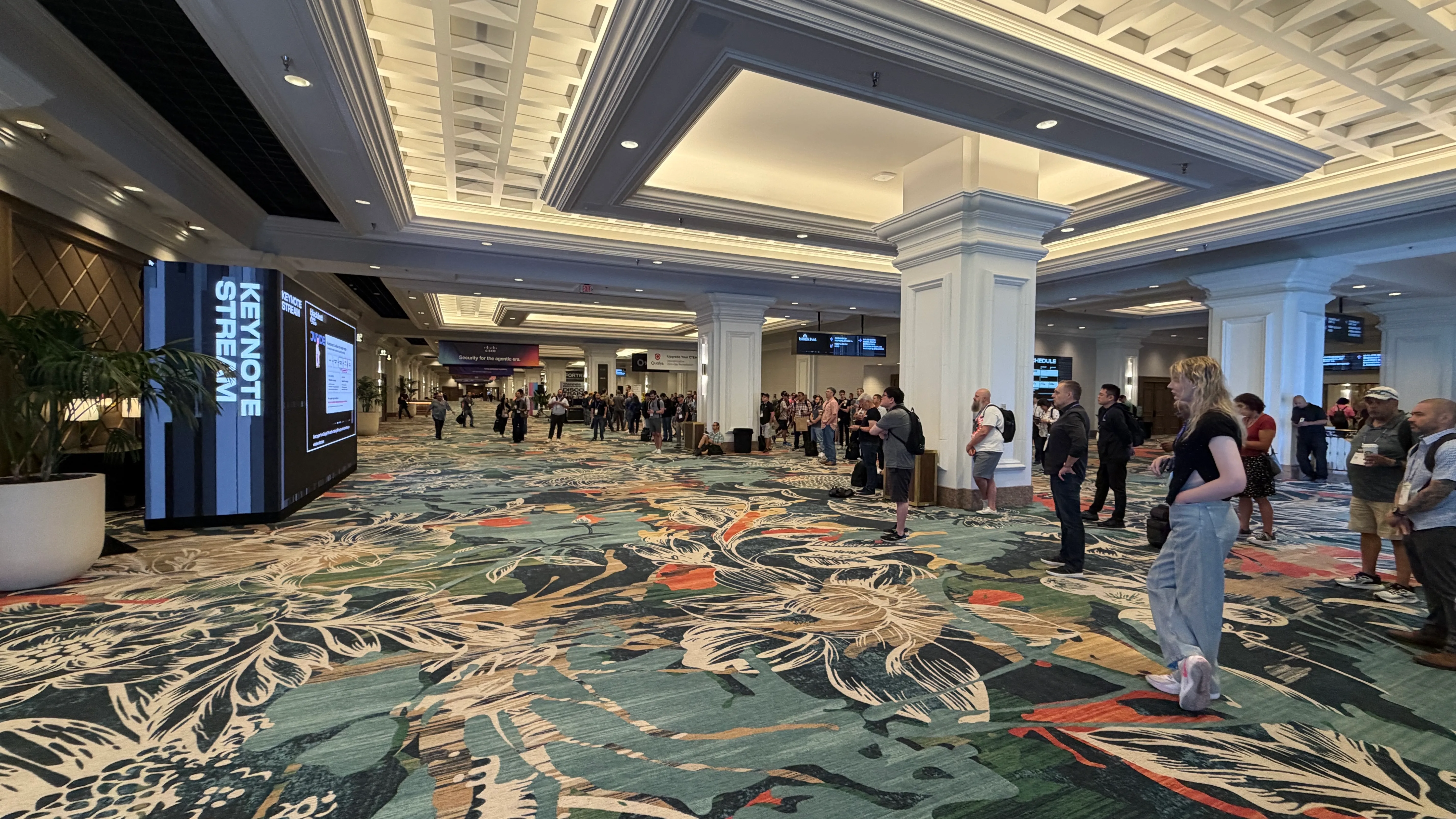
Attendees in the Black Hat USA 2026 foyer face a freestanding LED wall showing the keynote stream. The wall is on the left, with viewers gathered beside columns and across the hallway.
Black Hat USA 2026 · Watching the keynote in the foyer.

From the people running the show

Previously, we spent hours manually creating and updating static graphics – a tedious process that left room for data-entry errors. Now, we connect the data, build the templates, and let the system handle the rest. Onlit has streamlined our workflow, reduced errors, and taken the stress out of conference signage.


Phillip Parkinson

ETS AV

One of the biggest benefits for me is that Onlit was built specifically for meetings and conferences. With Onlit, the UI is straightforward and the navigation makes sense for the way we actually work at conferences. That makes it much easier to train a crew and get an event up and running quickly.


John Barn

Blason Partners

The reliability and ease of use make Onlit an easy addition to our events. Integrating into our clients' registration system keeps everything clean, consistent, and, most importantly, displays the correct information no matter how busy the event gets.


Paul Furr

REVL Productions

Dag (Onlit) has been an absolutely amazing partner to 1R Technologies. Customer service is exceptional, always a phone call away; with the dynamics of show business, we needed a partner who will stand by their product and provide timely support. Onlit is the leader of the business!


President/CEO

1R Technologies

See it in action

Planning signage for your next conference?

Tell us about your rooms, screens and where your program comes from. We’ll walk through how Onlit fits your production setup.

We also design templates, build integrations and support crews on site or remotely.

If you’re organizing the conference yourself, ask your AV partner about Onlit or talk to us directly.